The official Jellyfin Roku Client
 84d2849fcf
- Smithflix name, channel posters, splash screens and logos - 'Because you watched ...' row (the user's AI playlist) below Continue Watching - Build workflow publishing a sideloadable smithflix-roku.zip Co-Authored-By: Claude Opus 5.5 <noreply@anthropic.com> Claude-Session: https://claude.ai/code/session_011TdkZRTCV92L7gbQX2Z5Ay |
||
|---|---|---|
| .github | ||
| .vscode | ||
| components | ||
| docs | ||
| images | ||
| locale | ||
| screenshots | ||
| settings | ||
| source | ||
| .gitignore | ||
| bsconfig-tests.json | ||
| bsconfig.json | ||
| bsfmt.json | ||
| bslint.json | ||
| dictionary.txt | ||
| LICENSE | ||
| manifest | ||
| package-lock.json | ||
| package.json | ||
| PRIVACY.md | ||
| README.md | ||
| renovate.json | ||

Jellyfin for Roku
The official Jellyfin Roku client.
Navigate your Jellyfin library and watch, listen, and view your media.
Cool features include song lyric support, trickplay images, media segment support, downloading subtitles direct from your Roku, and more.
Part of the Jellyfin Project
Screenshots
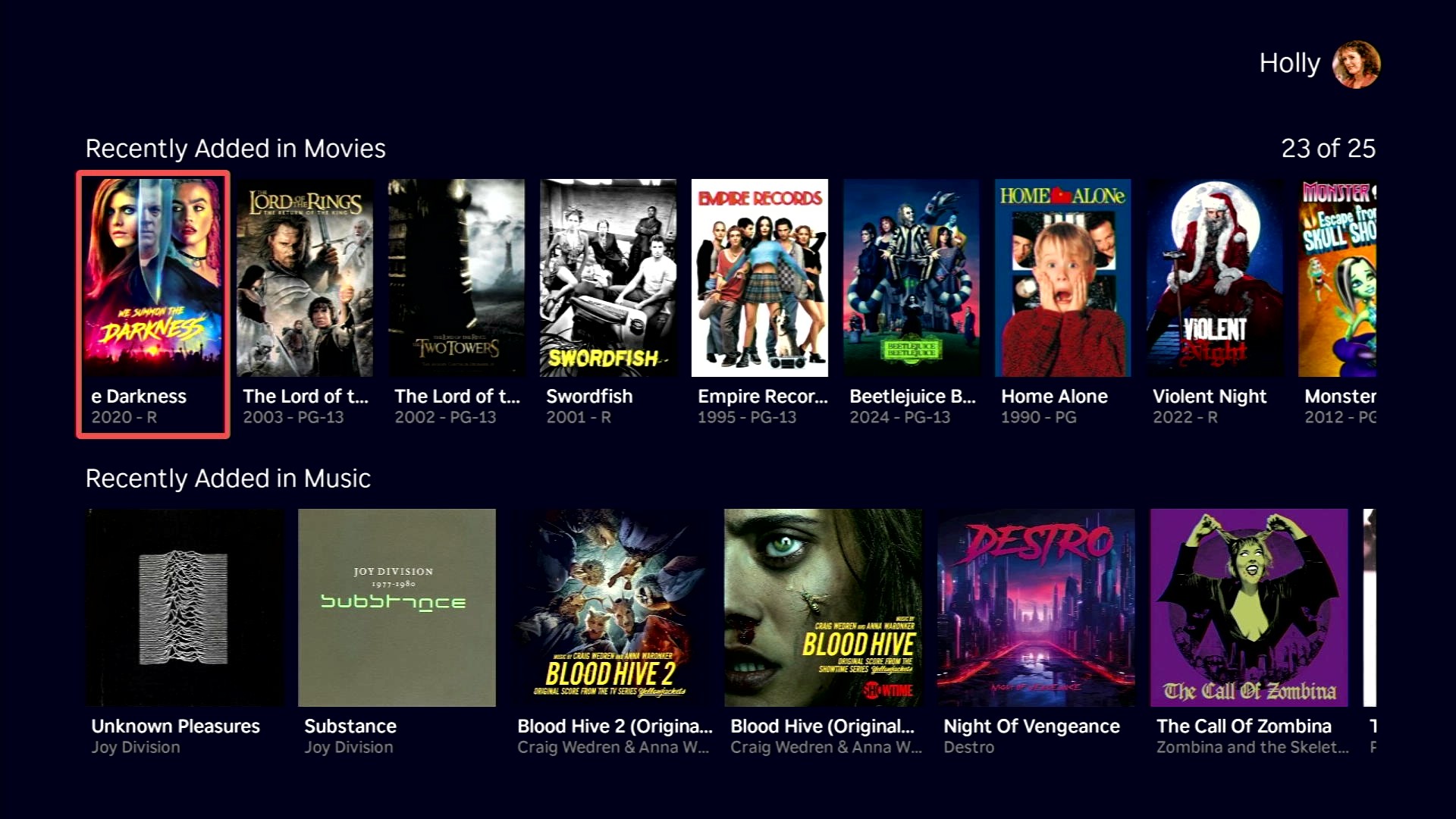
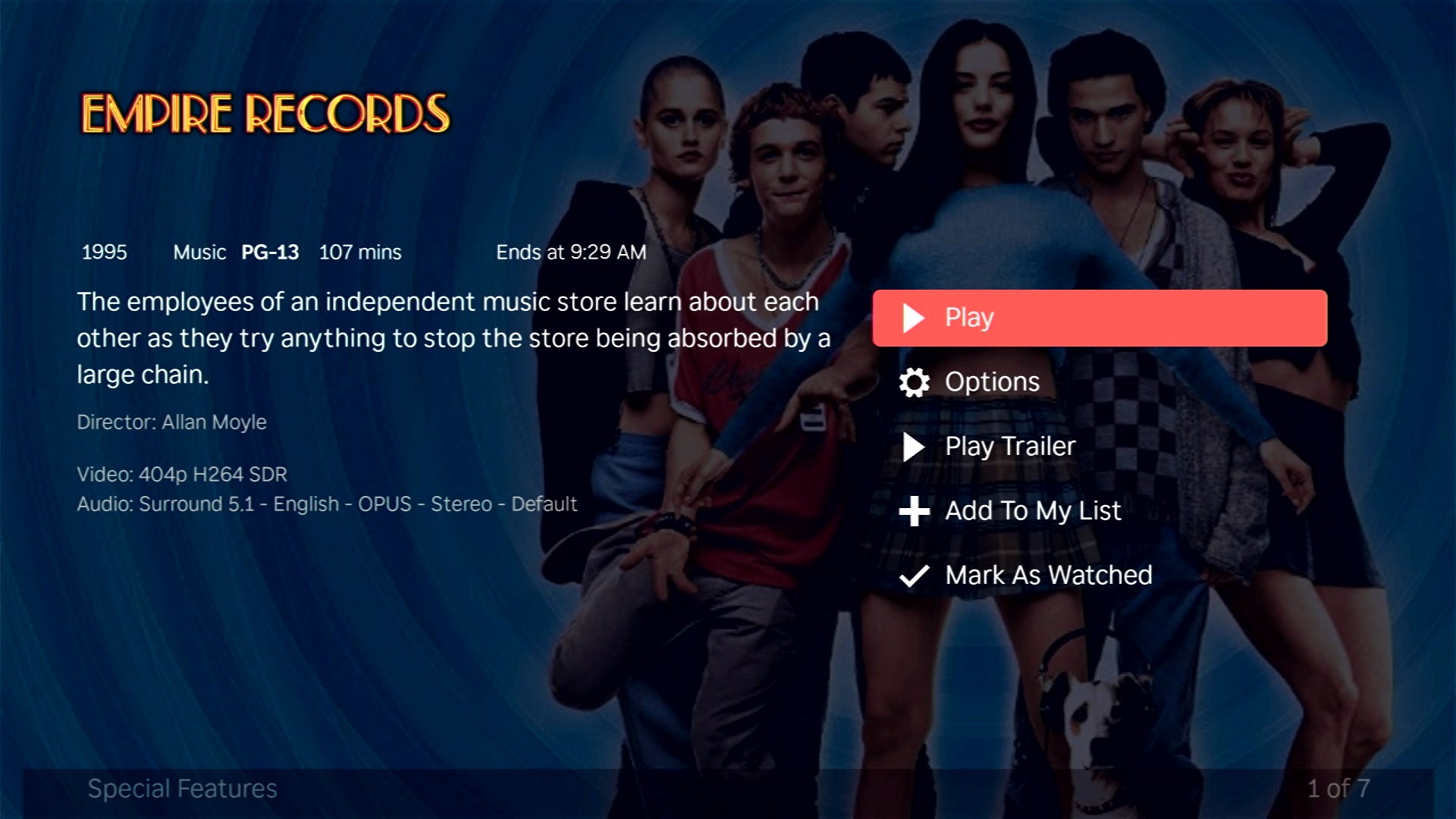
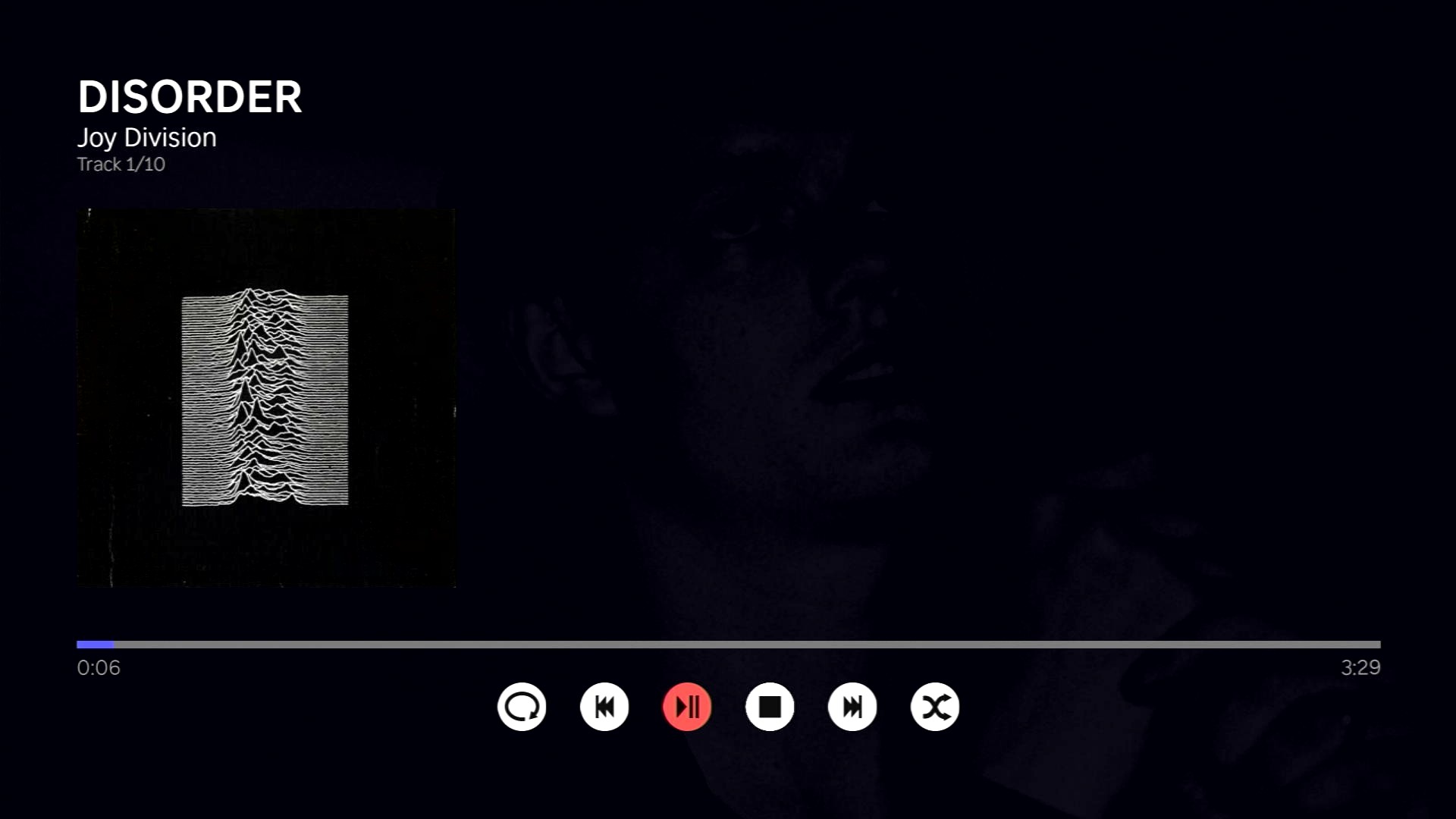
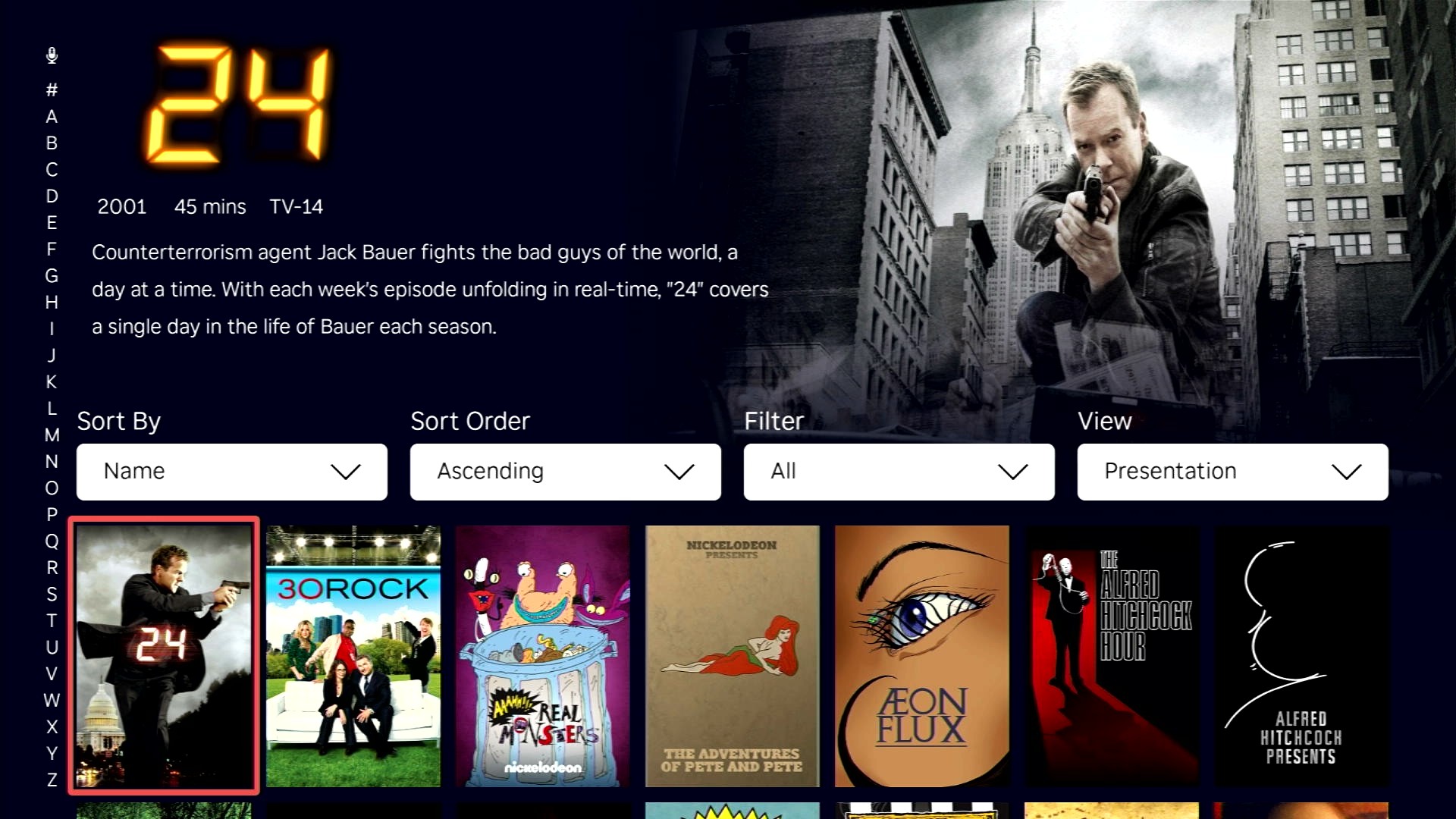
Advanced
For more advanced deployment methods, access to crash logs, or to learn how to setup a developer environment so you can write some code yourself please read the DEVGUIDE.
Playback Troubleshooting
Having issues with playback? Here are things to try.